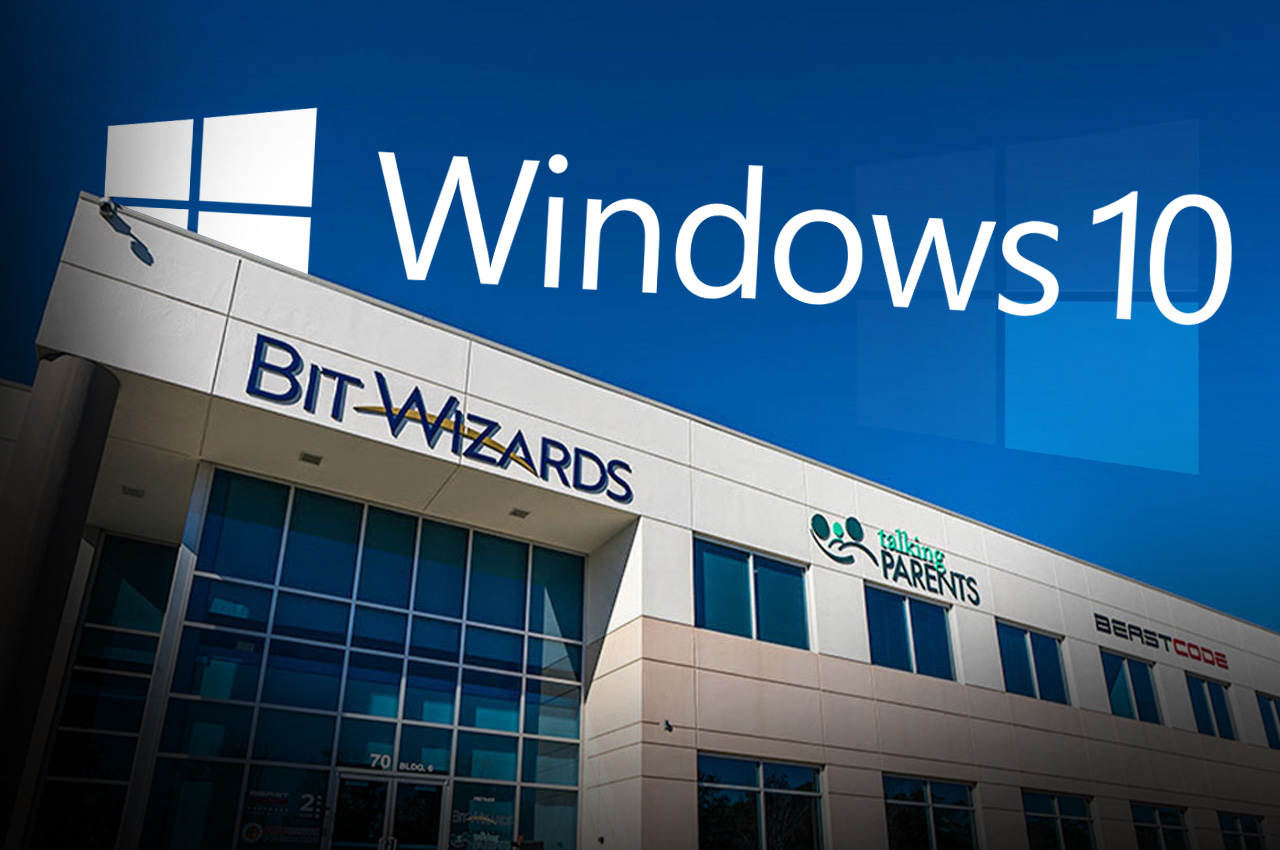
Microsoft will end support for Windows 10 on October 14, 2025, leaving users potentially vulnerable to security threats unless they upgrade to Windows 11 or purchase extended support, according to the Managed IT experts at Bit-Wizards in Fort Walton Beach.
- Brian Schlechter, Director of IT at Bit-Wizards, said the change will affect millions of users worldwide, including businesses and residents throughout Okaloosa County.
“Microsoft will end Windows 10 support,” Schlechter said during a recent interview. “We’re generally recommending people to upgrade before the end date. Whether you’re doing it now or you’re doing it later, you’re going to have to do it.”
The end of support means Microsoft will stop providing security updates for Windows 10, leaving systems exposed to potential cyber threats. Schlechter explained that this creates significant risks for users who delay the transition.
- “The biggest thing is that you’re not going to receive any updates, most importantly, any security updates,” he said. “If any other vulnerabilities are found in Windows 10, unless you’re doing the paid program, you will not get that update, which means you’ll then be vulnerable.”
For organizations unable to upgrade before the deadline, Microsoft offers Extended Security Updates, a paid program that provides continued security patches for Windows 10. However, this option requires additional costs and is only available to qualifying organizations.
The transition may require hardware purchases for some users. Windows 11 has specific requirements, including TPM (Trusted Platform Module), a hardware component that handles encryption. Users whose computers lack these features will need to buy new devices.
Schlechter warned that timing could complicate purchases for those who wait. The October deadline coincides with the Christmas computer buying season, potentially creating longer lead times even after ordering new equipment.
- “The longer you put it off, the harder it’s going to be,” he said during the interview.
For businesses that have been working with Bit-Wizards, the company has been preparing clients for over a year, identifying which computers need replacement and helping develop upgrade timelines.
Schlechter said the impact won’t be immediately noticeable but will worsen over time for those who don’t upgrade.
- “You may not notice a difference in performance for the first six months, but the next six months may show more significant issues,” he said. “It’s not like a switch will flip on that day and render your computer useless just because Microsoft stops support and updates for Windows 10.”
The transition itself should be manageable for most users, according to Schlechter.
“Luckily going from Windows 10 to Windows 11, while there are differences for sure, it’s not as big of a difference as some of the previous jumps in Windows operating systems,” he said.
To help users prepare, Bit-Wizards recommends four key steps.
- Check whether current computers can be upgraded to Windows 11 without replacement, as many newer PCs may already meet the system requirements.
- Backup all files before making any changes to avoid data loss during the transition.
- Evaluate whether current software will remain compatible with Windows 11, particularly for businesses using older programs or custom software.
- Plan a budget and timeline for potential new equipment purchases.
For those buying new computers, Schlechter suggests starting up and using the new device before transferring files to become familiar with Windows 11’s differences. He also recommends keeping the old computer for a few weeks as a backup.
Beyond security concerns, users who remain on Windows 10 may face additional challenges. Third-party software vendors, including companies like Adobe, may stop providing support for programs running on the outdated operating system. Even widely-used applications like Google Chrome may eventually stop ensuring compatibility with Windows 10.
The end of support also poses compliance risks for regulated industries such as healthcare and government agencies that must maintain current security standards to meet requirements like HIPAA and SOC compliance.
- Windows 11 offers enhanced security features and integrates more closely with Microsoft Office 365 and AI tools like Copilot. The new operating system provides improved cybersecurity capabilities and new AI functionalities for users who rely on those tools.
Natalie Ewing, Lead Content Specialist at Bit-Wizards, noted that end-of-life announcements are routine in the technology industry. Windows 8.1 reached its end of life in January 2023, following Microsoft’s standard lifecycle policy that has been in place since the company set its first end-of-life date for Windows 1.0 in 2001.
For businesses with multiple devices requiring replacement, the local IT experts suggest scheduling upgrades in phases. If sellers offer discounts on larger orders, companies should consider replacing equipment in fewer steps to take advantage of bulk pricing.
Bit-Wizards provides managed IT services to help local businesses navigate the transition and other technology challenges. The company has published guidance materials on its website here to assist with the Windows 11 upgrade progress.